
Teach Pendant Repair: Diagnosing Common Robot Failures
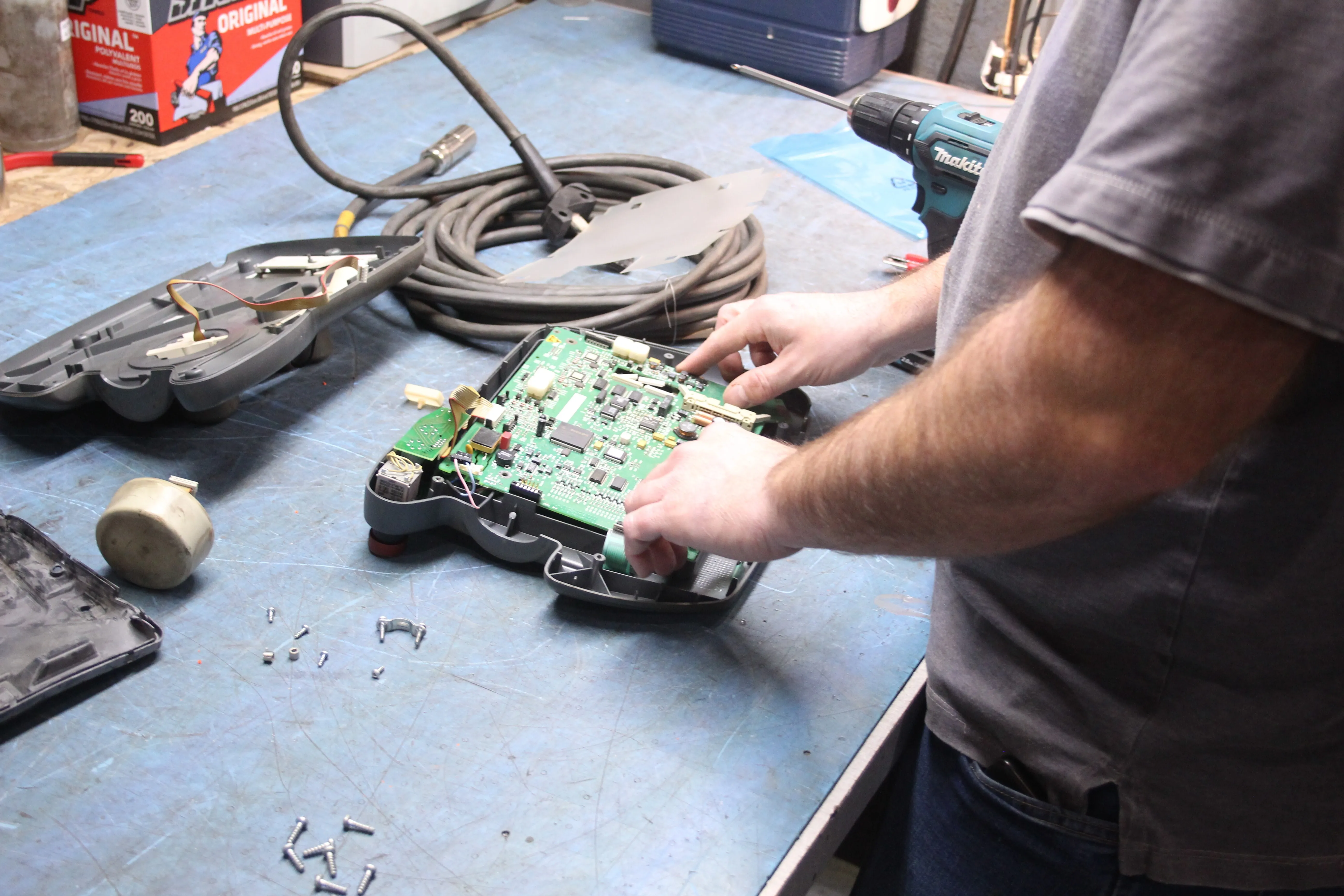
In today’s high-stakes, precision-driven manufacturing environments, robot uptime equals profitability. No matter the industry or application, the teach pendant is your command center. When it fails, your robot—and your operation—can grind to a halt.
From FANUC R-30iB teach pendants to Motoman DX200 Smart Pendants, these handheld units are essential for everything from programming tasks and system monitoring to manual control and diagnostics. Yet, due to frequent handling and exposure to industrial hazards, teach pendants are among the most common robot components that fail.
In this comprehensive guide, we break down the most frequent issues affecting teach pendant performance, how to troubleshoot and repair them, and how T.I.E. Industrial and Robots.com can help you restore peak operation quickly—saving you time, cost, and production losses.
What Is a Teach Pendant—and Why Is It So Critical?
A teach pendant is a portable, handheld device to control, program, and monitor industrial robots. Think of it as the robot's remote brain—it allows operators to move the robot manually, input commands, set coordinate frames, and execute specific tasks.
Common features include:
- LCD or touchscreen display
- Emergency stop (E-stop) buttons
- Axis jog keys
- Selector switches
- USB or Ethernet ports
- Cable connection to robot controller
Robots from brands like FANUC, Motoman, KUKA, Universal, and ABB rely on these pendants during programming, calibration, maintenance, and recovery operations.
Why Do Teach Pendants Fail?
Like any heavily used tool, teach pendants endure wear and tear. Whether due to accidental drops, dusty environments, or software glitches, failure is often inevitable without proper care or proactive servicing.
Common causes of teach pendant failure include:
- Physical damage from falls or impacts
- Worn-out buttons or unresponsive touchscreens
- Internal board failure (motherboard, CPU, DRAM)
- Corrupt firmware or incompatible software
- Damaged communication cables or connectors
- Aging hardware no longer supported by OEMs
These failures affect all industries—from aerospace robotics and automotive manufacturing to CNC machining and plastics injection molding.
Diagnosing Common Teach Pendant Failures
Here’s a detailed look at the most frequent issues seen in teach pendants, their symptoms, causes, and recommended repair solutions:
1. Black or Frozen Screen
Symptoms:
- No display or blank screen
- Stuck on boot screen
- Frozen system entry
Causes:
- Display driver failure
- Cracked or disconnected screen
- Software/firmware corruption
- Power supply failure in controller
Solutions:
- Replace damaged screen or internal LCD controller
- Reload firmware or operating system
- Check power cable and controller output
- Consider full pendant refurbishment
2. Unresponsive Buttons or Touchscreens
Symptoms:
- Jog buttons not registering
- Navigation or function keys inoperative
- Dead spots on touchscreen
Causes:
- Worn membrane or switch contacts
- Contamination (dust, oil, moisture)
- Internal PCB or button matrix failure
Solutions:
- Clean and reseat button contacts
- Replace the button pad or touchscreen overlay
- Test using pendant diagnostics
- Swap with a known-good pendant for confirmation
3. Communication Issues with Controller
Symptoms:
- Pendant won’t connect to robot
- Error messages like “No Signal” or “Communication Timeout”
- Intermittent connectivity
Causes:
- Damaged or frayed cable
- Loose connectors or worn ports
- Faulty I/O board or controller interface
Solutions:
- Inspect and replace communication cables
- Check controller-side port for damage
- Test with multimeter or breakout board
- Use spare pendant to rule out controller issues
4. Software or Boot Errors
Symptoms:
- Pendant gets stuck on startup
- Operating system crashes
- Error codes displayed on screen
Causes:
- Corrupt FROM/SRAM modules
- Software version mismatch
- Failed updates or firmware rollback
Solutions:
- Reinstall OS or recovery image
- Use diagnostic tools for troubleshooting
- Contact Robots.com for software flash or version compatibility services
5. Physical Damage from Impact
Symptoms:
- Cracked casing
- Broken screen
- Non-functional buttons or emergency stop
- Loose internal components
Causes:
- Drops from workbenches or platforms
- Rough handling in hazardous environments
- Exposure to fluids or debris
Solutions:
- Replace enclosure, screen, or affected components
- Consider a full pendant refurbishment
- Use a protective pendant cover to avoid repeat incidents
Teach Pendant Repair Best Practices
Prevention is always cheaper than repair. Here’s how manufacturers and operators can maximize pendant life and avoid costly downtime:
- Use protective sleeves or rubberized covers
- Regularly inspect cables and connectors
- Avoid placing pendants on unstable surfaces
- Train operators on safe handling and storage
- Back up teach pendant data regularly
- Keep replacement parts on hand
If you suspect an issue, always start by referencing the robot's error logs and manuals. For FANUC, Motoman, and ABB, these resources often include diagnostic codes that pinpoint the failure zone.
Industries and Applications at Risk from Pendant Failures
Broken teach pendants are more than a nuisance—they can paralyze production lines, especially in:
- Automotive (e.g., FANUC M-20iA robotic welding)
- Metal fabrication (KUKA KR 60 for plasma cutting)
- Pharmaceutical packaging (ABB IRB 120 robotic sorting)
- Plastic molding (Motoman HP20 for mold extraction)
Every second of downtime is costly—that's why fast diagnostics and repairs are mission-critical.
Should You Repair or Replace a Failed Pendant?
In many cases, repairing a teach pendant is far more cost-effective than purchasing a new one, especially for legacy systems. A teach pendant repair may include, but not limited to:
- Screen replacement
- Button board repair
- Cable and connector restoration
- Internal PCB or software replacement
- Cosmetic housing refinishing
However, if the model is obsolete or severely damaged, a fully refurbished replacement might be the better long-term option.
Fast, Reliable Teach Pendant Repair with Robots.com and T.I.E. Industrial
When downtime strikes, you need experts who understand your automation environment. At T.I.E. Industrial and Robots.com, we’ve spent decades repairing, refurbishing, and replacing robot and robot components—including hundreds of teach pendant models from the industry’s top OEMs.
Why Choose Us?
- Certified repairs for FANUC, KUKA, ABB, Motoman, and more
- Access to legacy and hard-to-find pendant models
- Quick turnaround with in-house diagnostics and testing stations
- Competitive pricing and industry-leading warranties
- Expert support to get you back online—fast
Get Back in Control—Start Your Teach Pendant Repair Today
If your robot’s teach pendant is acting up, don’t wait for full system failure. Let Robots.com help you diagnose, repair, or replace your pendant with confidence.
Contact us today or call our repair specialists to schedule a pendant evaluation. Be sure to shop our inventory of parts!
Request your quote today!
Related Articles
You might be also interested in:
- Robotics Applications
- Featured
Latest Advancements in Material Cutting Robotics
Read about the latest technological advancements in robotic material cutting.
- Innovation & Trends
- Featured
Emerging 3D Vision Technologies for Industrial Robots
Learn about the emerging 3D vision technology that businesses are using for industrial robot applications.
- Innovation & Trends
- Featured
Most Popular Industrial Robotic Applications for 2021 and Projections
Explore the most popular application trends of 2021 and what to expect in the future.
- Robotics Applications
- Featured
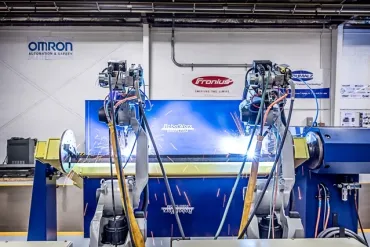
MAG Welding Defined
Automating your MAG welding process will help to bring faster and more consistent cycle times. A robotic MAG welder will also help to improve the weld quality, helping your customer's become more satisfied with the final product. If you are interested in integrating a new or refurbished robotic system, contact Robots.com experts today.
- Manufacturers
- Featured
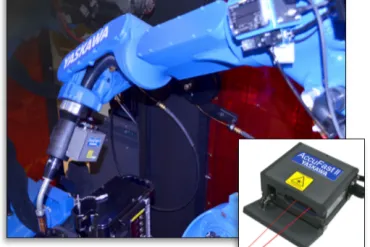
AccuFast II Tackles Seams Quickly and with Quality
Motoman provides users with add-on features to help enhance the seam finding for their automated welding line. AccuFast II offers improved sensor capabilities that provide even higher amounts of reliability. It provides more readings for a wider range of materials and angles not formerly feasible.
- Robotics Applications
- Featured
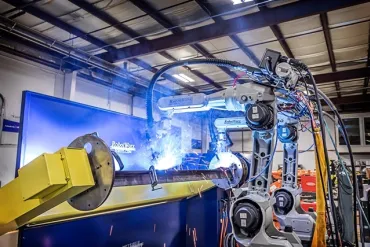
Flexible Manufacturing Lines
Each year the automation industry continues to innovate and bring solutions that will improve the productivity, flexibility, and efficiency on a wide range of production lines. This is seen with the flexible manufacturing that enables a robot to work on different types of products in the same workcell. Flexible manufacturing lines help to provide an increase in productivity and manufacturing volume.