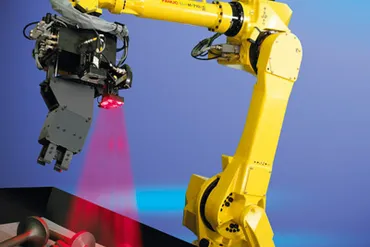
Elevating Material Processing Through Robotic Laser Technology
What Are Laser Cutting Robots?
How Pick and Place Robots are Revolutionizing Manufacturing: Part I
What Are Pick and Place Robots?
Myths Busted: Overcoming Common Misconceptions about Refurbished Fanuc Robots
Manufacturing Myths Shattered: Dispelling Misconceptions about Robots in Manufacturing
Meeting Industry Standards: Quality Assurance in Refurbished Fanuc Robots
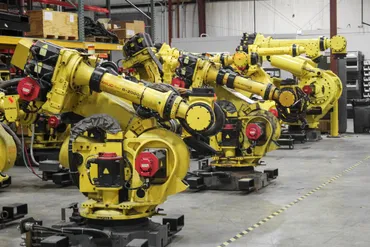
Why Should You Focus on Fanuc?
The Evolution of Fanuc Robot Software: What Maintenance Managers Need to Know
In the last several decades, robots have become increasingly indispensable in numerous industries, from automotive to medical to logistics. Among the leading providers of industrial robots, Fanuc is renowned for its cutting-edge technology and reliable performance.
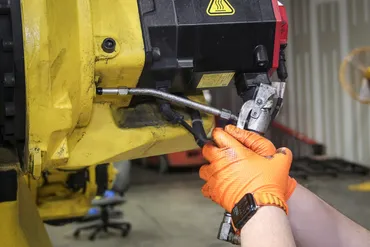
Grease Change Intervals: Manufacturer Guidelines vs Real-World Experience
In industrial automation, robotic systems are essential for manufacturing efficiency, precision, and productivity. Whether working with new or refurbished robots, operators must ensure that every component remains in optimal condition. Robot grease management is one of the most critical yet often overlooked aspects of robot maintenance.

- Robot Wrist
- Robot Wrist
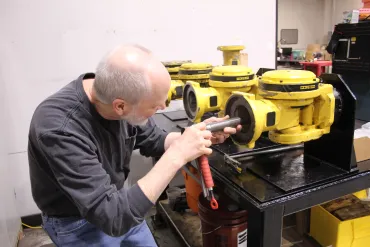
7 Warning Signs Your Robot Wrist Needs Repair | Robot Wrist Repair Services
The wrist joint is one of the most heavily used parts of an industrial robot. It’s where precision, torque, and speed all come together — and it’s often the first area to show signs of wear. When problems develop, ignoring them can lead to costly downtime, poor part quality, and even the need for full wrist replacement.
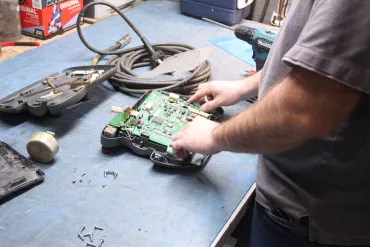
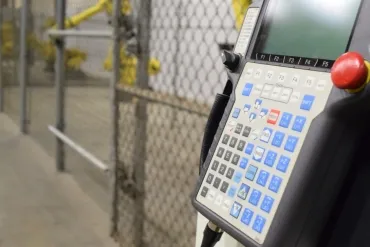
Teach Pendant Repair: Diagnosing Common Robot Failures
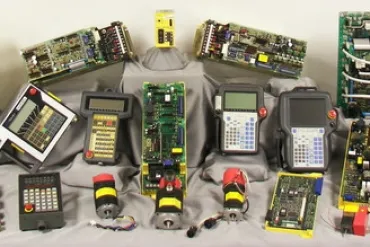
Identifying Issues with Your Robot's E-Stop: When Repair is Needed
Understanding E-Stop Alarms: Protect Your Operators and Equipment
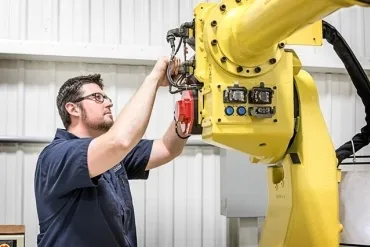
Why Consistent Preventative Maintenance Extends Robot Lifespan